Live software launches
You built the app. We turn your demo into customers.
Show us how it works once. We help you record it, cut it into promo videos you approve, give you a 14-day posting plan, and measure who actually signs up.
 Example data
Illustrative example InvoicePilot is a fictional sample app. The screen shows the real example campaign below.
One complete example campaign
Follow InvoicePilot through all six steps, or jump to any step. Each shows what goes in, what comes out, and why it helps. The app is fictional, the media are illustrations, and the results are example data. Real launches are run with operator help, not instantly.
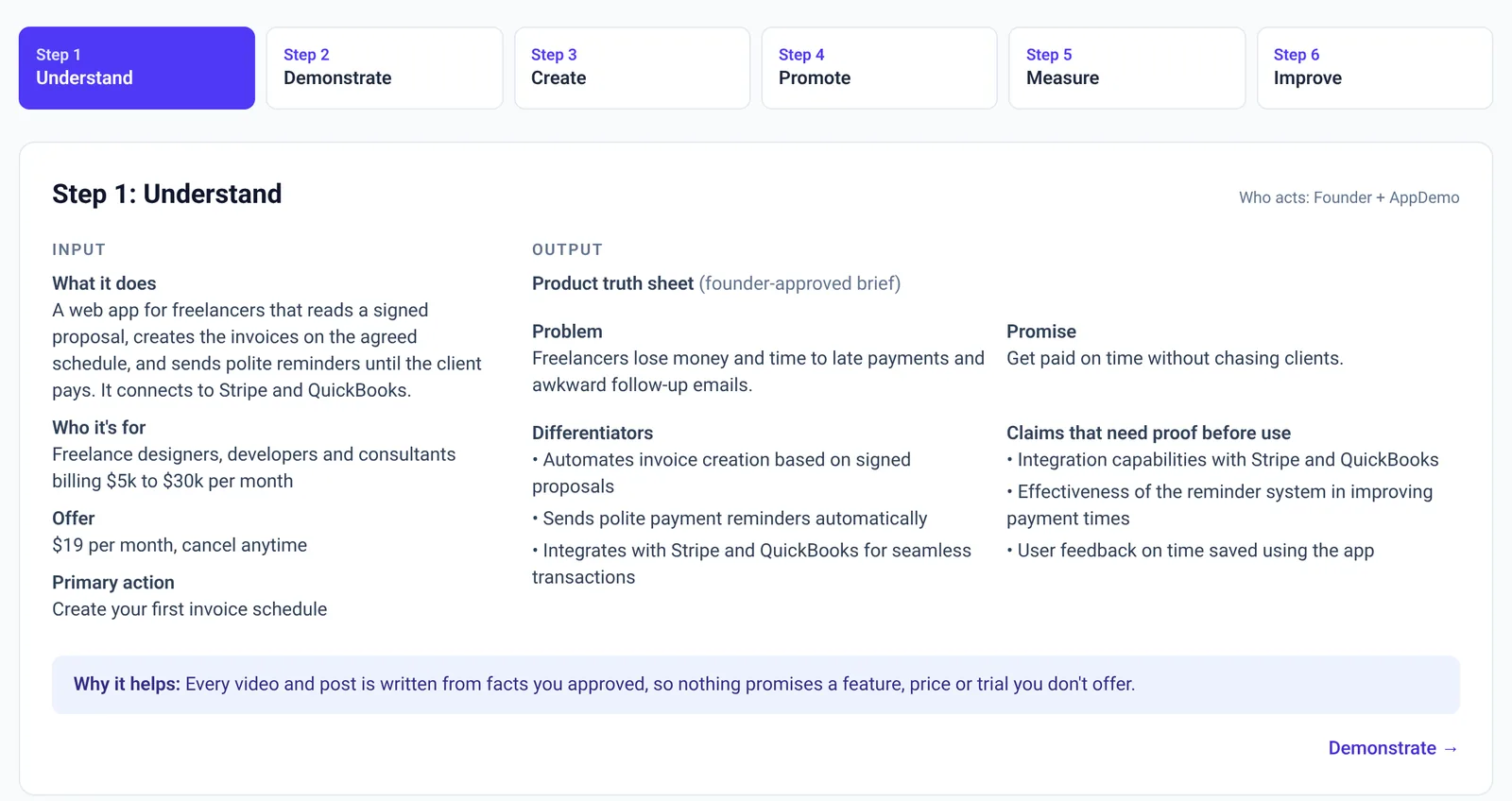
Step 1: Understand
Who acts: Founder + AppDemoInput
- What it does
- A web app for freelancers that reads a signed proposal, creates the invoices on the agreed schedule, and sends polite reminders until the client pays. It connects to Stripe and QuickBooks.
- Who it's for
- Freelance designers, developers and consultants billing $5k to $30k per month
- Offer
- $19 per month, cancel anytime
- Primary action
- Create your first invoice schedule
Output
Product truth sheet (founder-approved brief)
Problem
Freelancers lose money and time to late payments and awkward follow-up emails.
Promise
Get paid on time without chasing clients.
Differentiators
- • Automates invoice creation based on signed proposals
- • Sends polite payment reminders automatically
- • Integrates with Stripe and QuickBooks for seamless transactions
Claims that need proof before use
- • Integration capabilities with Stripe and QuickBooks
- • Effectiveness of the reminder system in improving payment times
- • User feedback on time saved using the app
Why it helps: Every video and post is written from facts you approved, so nothing promises a feature, price or trial you don't offer.
Step 2: Demonstrate
Who acts: FounderInput
A run-of-show and rehearsal checklist, then the founder records the demo (or uploads one).
- Introduction to InvoicePilot and its benefits for freelancers (5 min)
- Show how to upload a signed proposal to the platform (10 min)
- Demonstrate the invoice creation process, highlighting automation features (10 min)
- Illustrate the reminder system in action, showing how it sends automatic payment reminders (5 min)
Output
Founder demo: InvoicePilot in 36 seconds
Illustrative exampleTranscript
- Freelancers lose money and time to late payments and awkward follow-up emails.
- First, I upload the signed proposal. InvoicePilot reads the agreed payment schedule.
- It creates the invoices on the schedule from the proposal: deposit, midpoint and delivery.
- Polite reminders go out until the client pays, and they stop as soon as payment lands.
- It connects to Stripe and QuickBooks, so payments reconcile without double entry.
- It's 19 dollars a month, cancel anytime. Create your first invoice schedule.
Why it helps: One honest recording of your app working becomes the source for every clip, so you only have to show it once.
Step 3: Create
Who acts: AppDemo, founder approvesInput
The approved source demo, the truth sheet and the primary action. The founder reviews each clip and can approve, ask for a revision (two rounds included as product behavior) or reject. Any edit needs re-approval.
Output
Launch Content Pack: 8 clips
Illustrative example| Clip | Its job | Status |
|---|---|---|
| Hook | The first seconds that stop the right freelancer scrolling. | Approved (example) |
| Problem | Names the pain in the customer's words. | Approved (example) |
| Demonstration | Shows the app doing the job start to finish. | Approved (example) |
| Key feature | The one capability that sets it apart. | Approved (example) |
| Use case | A specific customer getting a specific result. | Approved (example) |
| Objection | Answers the doubt buyers have. | Approved (example) |
| Founder story | Builds trust in who is behind it. | Approved (example) |
| Outcome and CTA | Says exactly what to do next. | Approved (example) |
Why it helps: Each clip has one job, from stopping the scroll to answering the doubt that stops people buying, so you're never posting the same video eight times.
Step 4: Promote
Who acts: Founder postsInput
Approved clips, ready-to-paste post copy and one tracked link. The founder posts from their own accounts; AppDemo never asks for social passwords and never marks a post published unless it was.
Output
LinkedIn · Hook clip
Freelancers: how many hours did you spend chasing invoices last month? InvoicePilot reads your signed proposal, creates the invoices on schedule and sends polite reminders until you're paid. Create your first invoice schedule: appdemo.live/r/example
X · Demonstration clip
Signed proposal in. Invoice schedule out. Reminders stop the moment the client pays. $19/mo, cancel anytime. appdemo.live/r/example
Instagram Reels · Objection clip
"Won't reminders annoy my clients?" They're polite, spaced out, and stop as soon as payment lands. See how: appdemo.live/r/example
14-day posting plan
- Day 1Post the Hook clip on LinkedIn
- Day 2Post the Demonstration clip on X
- Day 3Post the Problem clip on Instagram Reels
- Day 4Review: Check tracked clicks by clip and channel; reply to comments.
- Day 5Post the Key feature clip on LinkedIn
- Day 6Post the Use case clip on X
- Day 7Review: Mid-point check: compare clicks per post. Do not change the plan on fewer than 30 clicks.
- Day 8Post the Objection clip on Instagram Reels
- Day 9Post the Founder story clip on LinkedIn
- Day 10Review: Check tracked clicks by clip and channel; reply to comments.
- Day 11Post the Outcome and CTA clip on X
- Day 12Post the Demonstration clip on LinkedIn
- Day 13Rest: No post. Reply to comments and DMs yourself.
- Day 14Post the Outcome and CTA clip on Instagram Reels
This example link logs a click and brings you back here. It never counts as a signup or sale.
Why it helps: A plan you can follow in minutes a day, with every post carrying a link that tells you which clip and channel actually brought people in.
Step 5: Measure
Who acts: AppDemoInput
One primary goal (create your first invoice schedule), tracked links per post, and only sources we can observe. Duplicate clicks count once; a disconnected source shows as unavailable, not zero.
Output
Results: Illustrative 14-day window
Example data| Clip | Channel | Unique clicks | Schedules created |
|---|---|---|---|
| Hook | 64 (example) | 7 (example) | |
| Demonstration | X | 41 (example) | 5 (example) |
| Objection | Instagram Reels | 38 (example) | 6 (example) |
| Outcome and CTA | X | 22 (example) | 1 (example) |
Unavailable: Instagram Reels views (source not connected).
Source: Not measured. Numbers are made up to show the report layout.
Why it helps: You see which message and channel moved people to act, not just views, with clear limits on what the numbers can tell you.
Step 6: Improve
Who acts: Founder approvesInput
The measured results and their limits.
Output
One proposed next experiment
- Hypothesis
- Leading with the objection ("Will reminders annoy my clients?") gets more invoice schedules created per click than leading with the hook.
- Change
- Swap the day-1 LinkedIn post to the Objection clip; keep copy, link and time the same.
- Measure
- Invoice schedules created per tracked click
- Decide only after
- At least 100 tracked clicks per variant before choosing a winner
- Why this one
- In the example data the Objection clip had the highest actions per click (6 of 38), but the sample is too small to call a winner.
Why it helps: Instead of guessing, your next round tests one change, and we won't name a winner until there's enough evidence.
Packages
Founder Demo
$499 per launch
You present a 15-minute demo; we prepare, moderate and produce.
Compare what's included →Co-Hosted Launch Show
$799 per launch
A 30-minute show with a co-host asking what customers would ask.
Compare what's included →What you get
- ✓ A prepared launch strategy and run-of-show
- ✓ A moderated live launch with private, approved viewer questions
- ✓ The full recording of your presentation
- ✓ About eight purposeful promotional videos
- ✓ Captions, hooks and calls to action for every video
- ✓ Posting suggestions and tracked links
- ✓ A launch results summary and the next recommended experiment
Who it fits
- • Your app works today and real people can use it
- • You know who it's for and what you want them to do
- • You want promo videos and a plan without becoming a video editor
What you supply
- • Your app and its facts: what it does, price, who it's for
- • About 30 minutes to rehearse and record your demo
- • Approval of each clip, and posting from your own accounts
More sample launch plans
Fictional products. See the strategy, customer questions and run-of-show our AI prepares from a brief.
Product brief
ShiftSwap
- What it does
- A mobile app where hourly restaurant staff trade shifts with each other, and the manager approves swaps with one tap. It checks overtime and certifications before a swap is allowed.
- Who it's for
- Owners and general managers of independent restaurants with 15 to 60 hourly staff
- Problem
- Managers spend hours every week on group texts and last-minute call-outs, and shifts still go uncovered.
- Pricing
- $4 per staff member per month, 14-day free trial
- Call to action
- Start a free 14-day trial
- Launch goal
- Free trial signups from restaurant owners
See what our AI prepares for ShiftSwap from the brief on the left.
The sample products are fictional. The plans are real output from the same AI pipeline we use to prepare paid launches (gpt-4o-mini-2024-07-18, generated September 27, 2026), replayed here so the demo is instant. They are not edited, except where noted to remove a claim the brief doesn't make.
FAQ
- Do I need to be a good presenter?
- No. You know your product best. We prepare the run-of-show and questions so you can simply show how it works.
- What kind of software qualifies?
- SaaS, mobile and web apps, AI apps and agents, automation tools, APIs, plugins and developer tools that work today.
- Is there public chat during my launch?
- No. Viewers submit questions privately and a moderator approves them, so spam and trolls never derail your launch.
- Do you post to my social accounts?
- You approve and download your Launch Content Pack and post it yourself. We never ask for your social passwords.
- What do you measure?
- Business outcomes, not just views: call-to-action responses, clicks, signups, trials, bookings and purchases where we can observe them.